Wan 3.0 by Alibaba

Wan 3.0 online: smooth AI video, with sound when you want it.

Wan 3.0 is the newest Wan video model from Alibaba, listed as Wan 3.0 (newest Wan) in FrameCompose. Describe a scene or start from a picture, choose sound or silence at the same price, and get one clip of 4 to 15 seconds from 80 credits for 5 seconds at 480p.

Maintained by the FrameCompose product team · Last reviewed 6 November 2026

FrameCompose Video Studio with a prompt box, scenes and the timeline
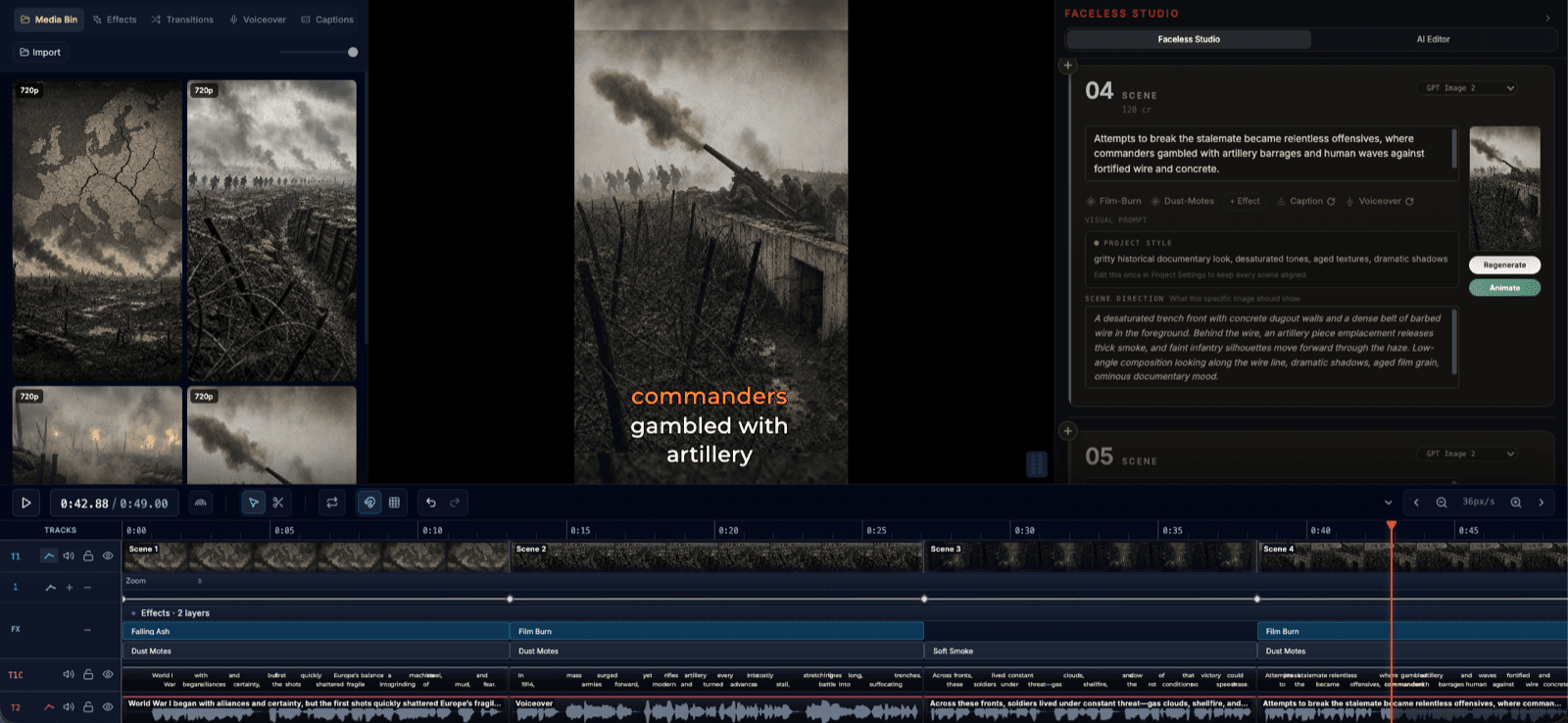
Type the scene in Video Studio and the Wan 3.0 clip lands on your timeline.

Clips from 4 to 15 seconds, at 480p, 720p or 1080p.

Sound on or off, at the same price.

80 credits for a 5-second clip at 480p.

Start from a few words, a picture, or a first and last frame.

Wan 3.0 price in credits

What one Wan 3.0 clip costs in FrameCompose, by length and quality. The same price shows on screen before the clip is made.

Clip length480p720p1080p
5 seconds80 credits150 credits300 credits
10 seconds150 credits300 credits600 credits
15 seconds225 credits450 credits900 credits

Sound is included at every price when you turn it on.

What Wan 3.0 is best at

Alibaba built Wan 3.0 for text-to-video and image-to-video with its own generated audio, at 480p, 720p or 1080p. It moves smoothly and keeps the price low at 480p, which makes it a strong pick for whole storyboards.

Sound is your choice: turn it on for ambience and effects made with the picture, or leave it off so your voiceover and music have the stage. Either way the clip costs the same.

Make a Wan 3.0 clip from a few words

Open Video Studio and type your idea. Under the box, set Make to Video clip, pick 5s, 10s or 15s, and press Make clip.

On the AI Editor card, choose Wan 3.0 (newest Wan) in the Model list, then set Length, Quality and Sound. Press Make clip to spend the clip's credits. Planning it uses one AI Editor message (2 credits on a credit account), and one request spends at most 600 credits.

A smooth camera move

Typed into Video Studio with Video clip picked.

The camera glides down a rainy neon street at night, past a noodle stall, as steam rises into the light. Sound: rain and sizzling.

Build a whole video scene by scene

In Video Studio, set Make to Scene by scene and choose Wan 3.0 as the project’s video model. Your storyboard becomes several scenes with a script, a voiceover and captions, and every scene clip is priced before you start.

Its low 480p price makes a full short affordable, and you can remake any single scene at a higher quality later.

Animate a picture with Wan 3.0

Import a picture, press Animate on it in the Media Bin, pick Wan 3.0 under Animation Provider, describe the motion and press Start Animation. The clip runs from 5 up to 15 seconds. Add a second picture as the end frame for a smooth move from one to the other.

Wan 3.0 or WAN 2.7

Wan 3.0 is the newer model, adds optional sound and costs 80 credits for 5 seconds at 480p. WAN 2.7 stays in the list for projects that already use it.

Frequently asked questions

A few quick answers before you jump in.

Can I use Wan 3.0 online?

Yes. Use Wan 3.0 from your browser, with nothing to install or download. Type an idea in Video Studio, build a whole video scene by scene, or animate your own picture.

How much does Wan 3.0 cost?

A 5-second clip is 80 credits at 480p, 150 at 720p and 300 at 1080p, with or without sound. You see the exact price before the clip is made.

Is Wan 3.0 free?

A Wan 3.0 clip uses credits, from 80 for 5 seconds at 480p, shown before you start. The timeline editor, captions, effects and browser export around it are free.

Does Wan 3.0 make sound?

When you ask it to. Turn Sound on and it makes ambience and effects with the picture at no extra credits; leave it off for a silent clip under your own voiceover.

How long can a Wan 3.0 clip be?

From 4 to 15 seconds in one clip. Join clips on the timeline, or use Scene by scene, for longer videos.