Practical AI video guides
Plan, create, and repair AI-assisted videos
Practical guides to AI story videos, script-to-video, consistent characters, image-to-video prompts, product demos, captions, and repairing generated scenes.
Maintained by the FrameCompose product team · Last reviewed 22 September 2026
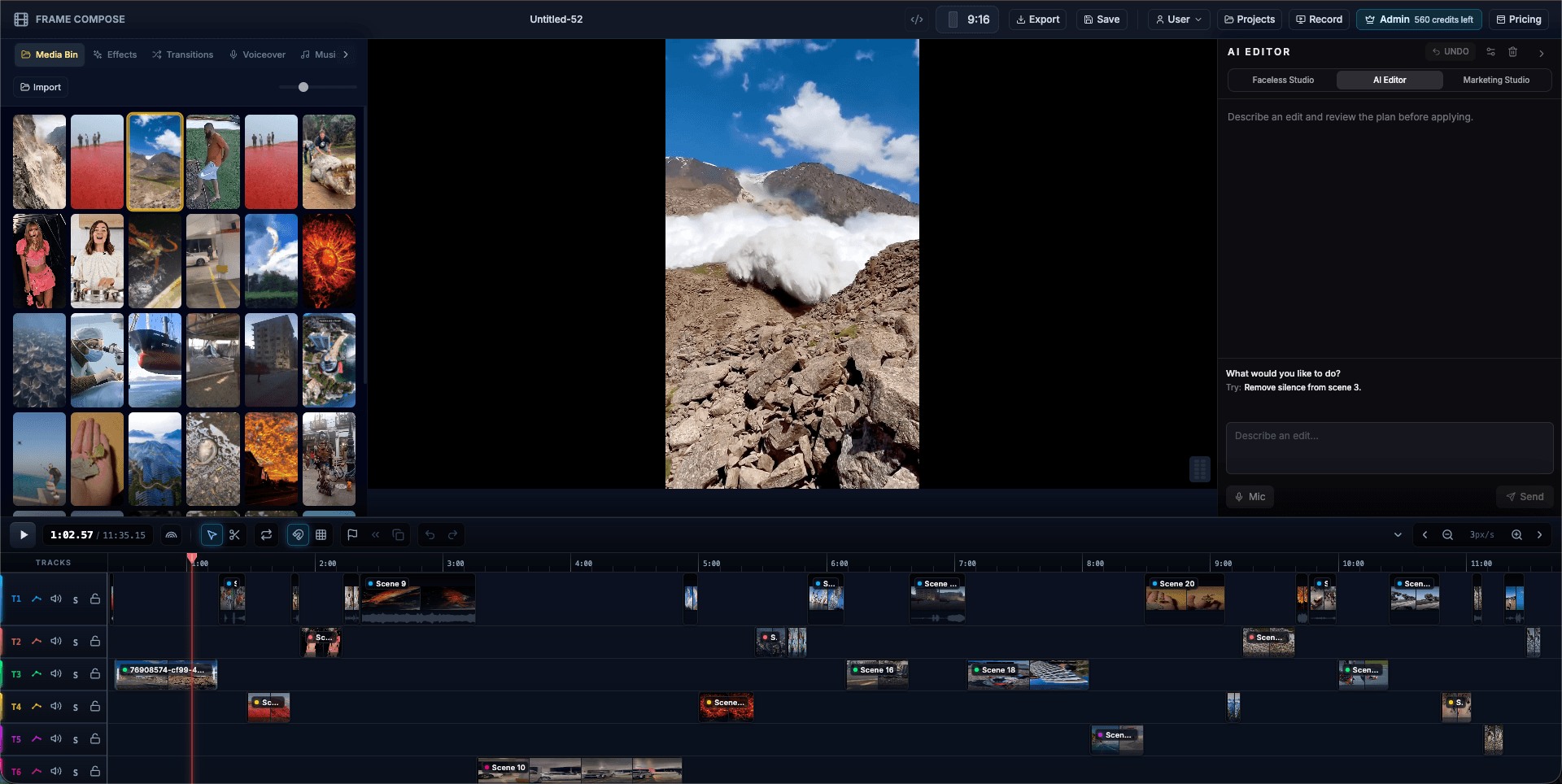
Guide
How to Make a Product Demo Video
Learn how to plan, record, edit, caption, and export a concise product demo video for a website, sales conversation, feature launch, or social campaign.
Open pageGuide
How to Turn a Script Into a Video With AI
Turn a script into a video with AI: preserve your narration, plan visual beats, generate scene images and motion, and edit captions. Includes a worked example.
Open pageGuide
How to Make a Faceless Video
Plan and make a faceless video with a strong hook, narration, purposeful visuals, readable captions, music, and an editable scene-by-scene production workflow.
Open pageGuide
How to Create YouTube Shorts
Create a YouTube Short by choosing one clear idea, writing a fast hook, building a vertical scene plan, adding captions and audio, and editing before export.
Open pageGuide
How to Write Hooks for Short Videos
Write better hooks for TikTok, YouTube Shorts, and Instagram Reels by making the topic, tension, and payoff clear in the first spoken line and visual beat.
Open pageGuide
AI Video Editor vs AI Video Generator
Compare an AI video editor with an AI video generator, understand where their workflows differ, and choose the right tool for generation, revision, or complete production.
Open pageGuide
How to Make a Text-Message Story Video
Use three fictional chat scripts, preview the bubbles, download an image or open editable message clips and typing pauses, then review reading time before publishing.
Open pageGuide
How to Make AI Story Videos From a Single Idea
Make an AI story video by turning one idea into a script, storyboard, scene images, motion, and narration. Follow a four-beat example through the edit.
Open pageGuide
How to Keep Characters Consistent in AI Videos
Keep characters consistent in AI videos with a reusable identity brief, character references, matched scene images, and a focused repair workflow.
Open pageGuide
Image-to-Video Prompts: 12 Examples for Better Motion
Write image-to-video prompts that describe subject action, camera movement, and timing. Adapt 12 examples for reactions, reveals, products, and story scenes.
Open pageGuide
How to Fix One Bad Scene in an AI Video
A step-by-step method for diagnosing, replacing, retiming, and reviewing one weak generated scene without throwing away the rest of the AI video.
Open pageWorkflow
Turn an approved script into a video
A product walkthrough for preserving the script through narration and scenes.
Open pageFree tool
Preview caption styles
Compare readable caption treatments before applying them to a project.
Open page