Text-message format

Build the drama one message bubble at a time.

Use the dedicated text-message format to structure a two-person conversation, reveal each message as a scene, and keep the pacing, speaker names, captions, and sound editable.

Maintained by the FrameCompose product team · Last reviewed 6 August 2026

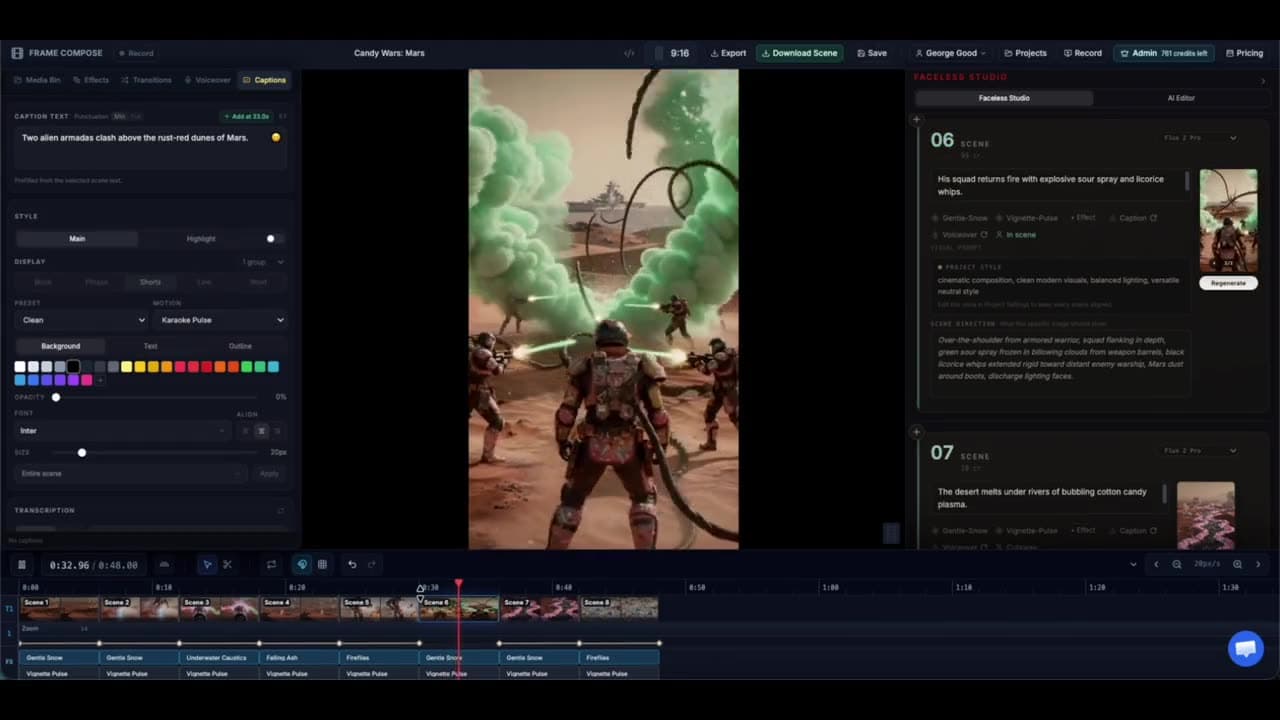
FrameCompose Video Studio turning a story prompt into editable short-form scenes
The format starts from a structured prompt and remains editable scene by scene.

Two-speaker conversation structure.

Bubble-by-bubble scene progression.

Editable names, messages, pacing, and audio.

A complete wedding-drama recipe included below.

Live recipe proof

Text Message Story

Escalating drama told bubble-by-bubble in a fake chat thread

Template
Text Message Story
Style
Template default
Camera direction
Auto (per scene)
Talking mode
Off-screen voiceover (a voice reads the script + captions)
Model
Images · GPT Image 1 Mini
Length
~48s (8 scenes)

Exact prompt

My sister found out her fiancé was secretly texting her maid of honor — and the receipts came out in the family group chat the night before the wedding. Two people texting, escalating fast, with a twist in the final message.

Write for a conversation, not a narrator

The strongest fake-text stories sound like real messages: short lines, uneven response lengths, interruptions, and a reason to read the next bubble. Keep the cast small so the viewer can follow the speaker colours and names instantly.

The template is designed around exactly two people, which keeps the story readable on a phone screen.

Let each message move the plot

Every bubble should reveal information, increase tension, or change the relationship. Remove greetings and filler unless they are deliberately hiding the twist.

A useful structure is normal opening, suspicious detail, denial, receipt, reversal, and final message.

Control pacing in the editor

A short message can flash quickly while a reveal needs enough time to read. Adjust scene durations, narration, sound effects, and captions after the initial draft.

The result remains a normal project, so an awkward line can be rewritten without recreating every other message.

Review privacy and realism

Do not present a real private conversation as entertainment without permission. Use invented names and details unless you have the right to publish the source material. Avoid copying identifiable messages from private individuals.

Frequently asked questions

A few quick answers before you jump in.

How many people can the text-message template include?

The current format is intentionally designed for a clear conversation between exactly two speakers.

Do I need AI-generated images for every message?

The format centres on graphic chat cards, so the story can work without a separate generated image for each bubble.

Can the messages be narrated?

Yes. Use voiceover and captions, or keep the conversation silent and let the message timing carry it.

Can I edit the message text after generation?

Yes. The conversation remains editable as part of the project before export.

Related pages

Explore the rest of the workflow, from first idea to final export.