Make free Bible story videos with AI

Make up to 5 free Bible story videos a day. A narrator tells your story, captions light up word by word, and the AI directs every scene: a camera move picked for it, moving effects from the story, transitions and music. No credit card, no watermark.

7 free animated scenes a week. No credit card needed.

Want 5 free videos a day? Bring your story and pictures from ChatGPT

Or start from one of these

See what you can make

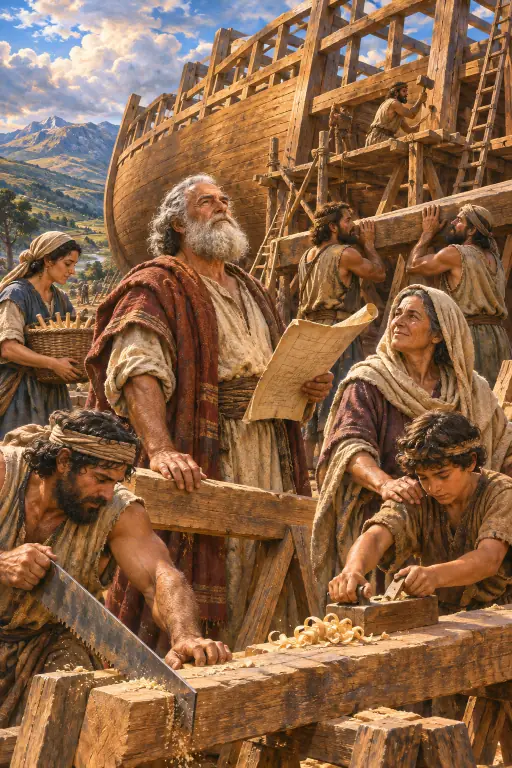
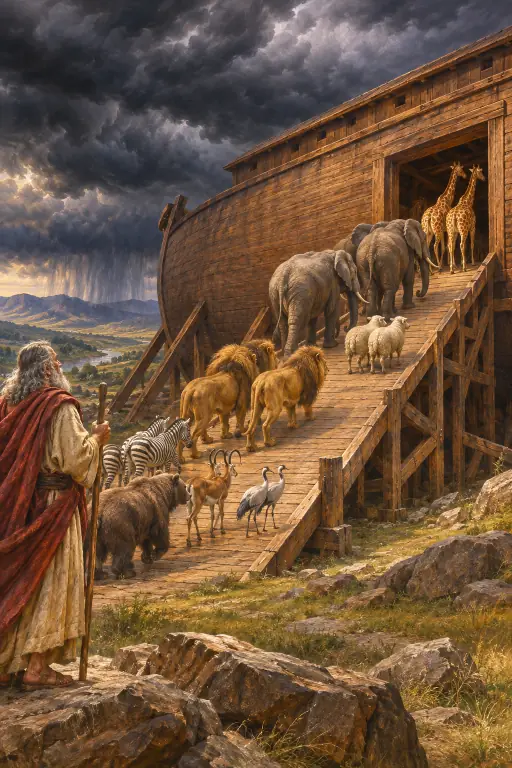
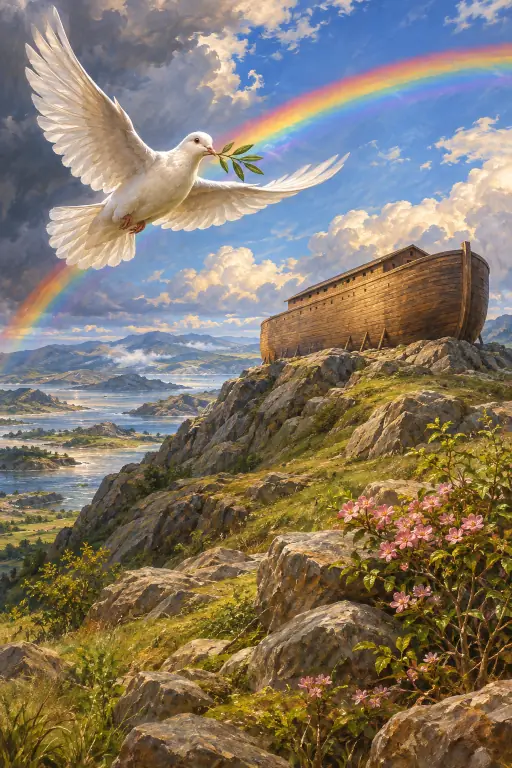
Noah and his family building the arkPairs of animals walking into the ark under dark cloudsThe ark on a mountain under a rainbow with a dove
Example scenes. The AI draws new pictures for your own story.

How it works

  1. 1. Type or tap a story

    Type a Bible story or tap an example, press the button, and sign in with Google or an email link.

  2. 2. Press Generate

    Video Studio opens with your story already in its box. Press Generate and the AI writes 7 short scenes, adds a narrator voice and word-by-word captions, and draws your free scene.

  3. 3. Watch, tweak, download

    Your Bible story lands on a real editing timeline: change any line, redraw a scene, swap the voice or restyle the captions, then download it free.

How to make 5 free Bible story videos a day

Make up to 5 free Bible story videos every day in three steps. Ask ChatGPT to write your story scene by scene with a picture for each scene. Open FrameCompose, paste the story and add all the pictures at once. Press "Make my video" and your Bible story video plays on the timeline, ready to download.

FrameCompose turns your pictures into an animated video. A narrator reads every line and captions light up word by word. Every scene is directed for you: the AI picks a moving effect for what happens in it, so stars twinkle on a starry night and rain falls in a storm, the camera move is picked for that scene too (a slow push in, a slow pull back, or a drift toward one part of the picture), a transition picked for your style carries it into the next scene, and music picked for your kind of story plays underneath.

It uses no credits and none of your free scenes. Downloads have no watermark and you never need a credit card. Not sure what to ask ChatGPT? FrameCompose gives you the exact request to copy, so the story and pictures come back in the right shape.

What you get free

You get 7 free animated scenes a week. The AI writes your Bible story scene by scene, told by a narrator with captions that light up word by word. Every scene is directed for you: the AI picks a moving effect for what happens in it, so stars twinkle on a starry night and rain falls in a storm, the camera move is picked for that scene too (a slow push in, a slow pull back, or a drift toward one part of the picture), a transition picked for your style carries it into the next scene, and music picked for your kind of story plays underneath. Your free scene draws one picture, and a credit pack draws the rest in one payment, with no subscription. Downloading is free, with no watermark.

Want the characters themselves to move? That is full animation: Animate any scene into a moving clip with credits.

Pick the story and the look

Name the story and, if you like, the book and chapter, such as Luke 15 or Daniel 6. The AI retells it in simple words, one scene at a time, and you can change any line before you download.

Say the look in your story: warm storybook illustration, soft watercolor, classic painted Bible art or bright 3D cartoon for young children. Every picture follows it.

For Sunday school, families and church channels

Sunday school teachers open the lesson with a short video the whole class can watch. Parents turn tonight's Bible story into something their children ask for again, and churches share Bible stories on Shorts, Reels and TikTok with the narrator and captions already on.

Write the story in Spanish, Portuguese, French, Arabic or many other languages and the story, the narrator voice and the captions come out in that language.

Frequently asked questions

Quick answers before you make your first Bible story.

Is it really free?

Yes. Bring a story and its pictures from ChatGPT and you can make up to 5 free Bible story videos a day, with no credits, no watermark and no credit card. Or type an idea in the box and our AI draws the pictures for you: you get 7 free animated scenes a week, one each day, reset at midnight UTC, and a day you skip does not carry over. A one-time credit pack draws more pictures, with no subscription.

Are the free videos animated?

Yes. Every free scene is directed and animated for you. The AI reads what happens in each scene and picks a moving effect to match, so when a scene has a starry night the stars twinkle, and when it rains the rain falls. Each scene also gets its own slow camera move: pushing in, pulling back or drifting toward one part of the picture. A transition picked for your style of video carries each scene into the next, music picked for your kind of story plays under the narrator, and captions light up word by word. Switch on sound effects and they are placed for you too. All of that is free. For full animation, where the characters themselves move, press Animate on any scene and it becomes a moving clip, or switch the whole story to video and every scene is made as a moving clip in one run, with Seedance 2.5, Kling 4.0 and 16 more video models. Full animation uses credits: a clip starts at 80 credits, and the $5.99 pack holds 500 credits that never expire.

Which Bible stories can I make?

Stories from the Old and New Testament: Creation, Noah's ark, Moses and the Red Sea, Daniel and the lions, Jonah, the Christmas story, the parables of Jesus, the Easter story and many more. Type the story, or the book and chapter, and press the button.

Does it follow the Bible story?

The AI retells the story you name in simple words, scene by scene. Add the book and chapter, like Luke 15, to point it at the passage, and change any line on the editing timeline before you download.

Can I make Bible stories for kids?

Yes. Say who it is for, like "for 5 year olds", and name a bright cartoon or soft storybook look. The story and the pictures follow.

Can I make it in Spanish or Portuguese?

Yes. Write your story in Spanish, Portuguese, French, Arabic or many other languages, and the story, narrator voice and captions come out in that language. The Studio buttons are in English.

Can I make it longer?

Yes. After your short, tap "Make the full version" to turn it into a longer Bible story using credits.

Tell your first Bible story today

Make up to 5 free Bible story videos a day.

Related pages

More ways to turn a story into a video.