Prompt recipe

A direct-to-camera presenter explains why houseplants struggle.

This recipe uses an AI presenter as the host, then supports the explanation with scene visuals. The exact prompt and current catalog settings are shown below.

Maintained by the FrameCompose product team · Last reviewed 6 August 2026

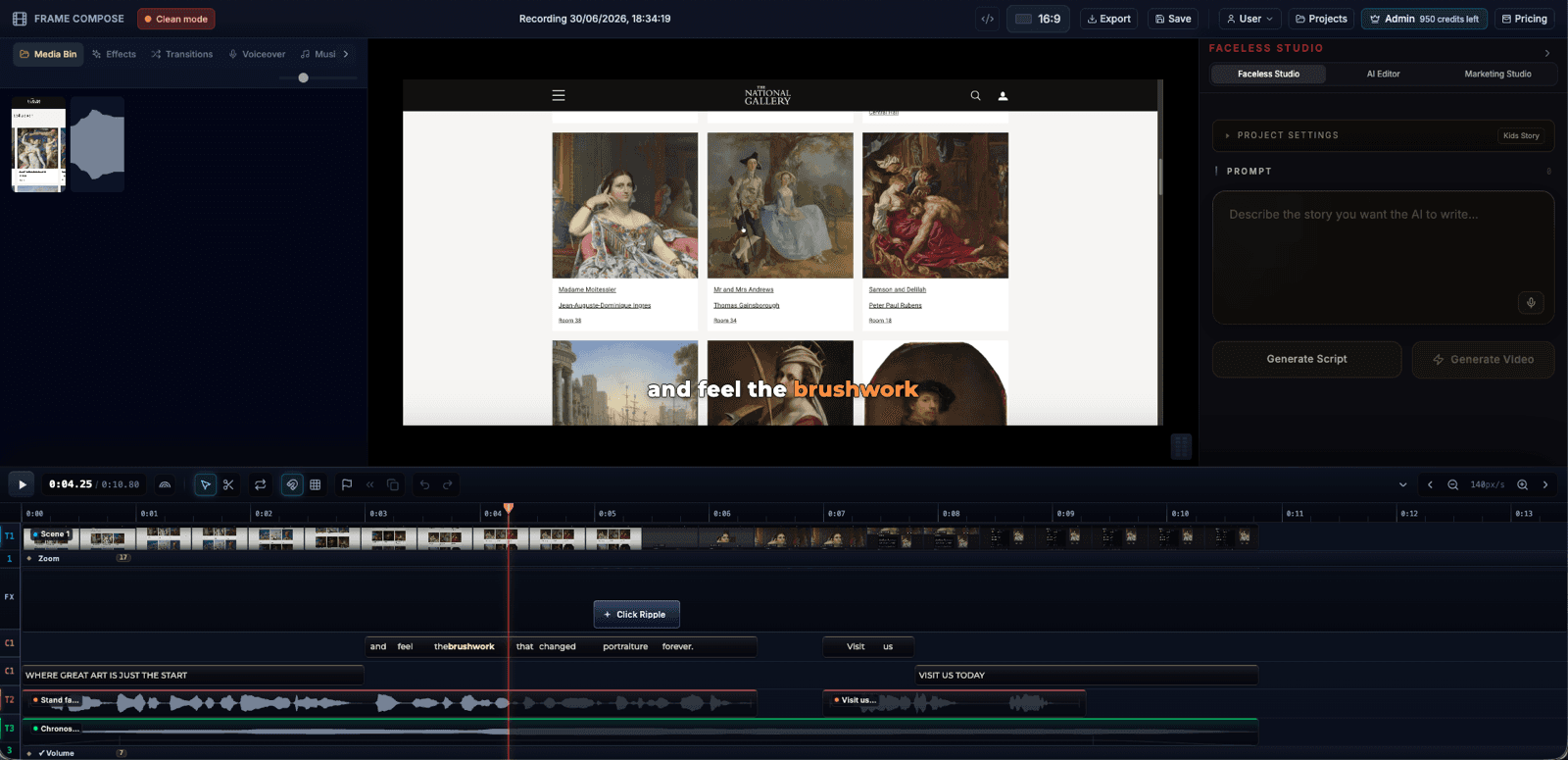
FrameCompose presenter video edit with supporting scenes, captions, and narration
The presenter recipe is backed by the exact prompt and current product settings.

Exact educational presenter prompt.

Talking Presenter template selected.

UGC-style presenter and supporting visuals.

Six-scene structure with editable narration and captions.

Live recipe proof

Talking Presenter

An on-screen host talks straight to camera, lipsynced over every scene

Template
Talking Presenter
Style
UGC Selfie
Camera direction
Auto (per scene)
Talking mode
On-screen speech (app voice + captions)
Model
Images · GPT Image 2
Length
~36s (6 scenes)

Exact prompt

5 signs your houseplant is secretly dying — and the 60-second fix for each one. Talk to camera like a friend who has killed a dozen plants and finally cracked the code: droopy leaves, crispy tips, yellowing, leggy stems, and soil that smells wrong.

Why the topic fits a presenter

Houseplant advice benefits from a friendly human register: the viewer wants reassurance, a diagnosis, and a simple next action. A presenter can establish trust, while supporting visuals show roots, light, soil, and watering mistakes.

Keep the delivery conversational

Use direct address, concrete symptoms, and short explanations. Avoid sounding like an encyclopaedia. The presenter should explain what the viewer can observe today and what to change next.

Balance face time with evidence

Open and close with the presenter, but cut to plant details when the script refers to leaves, roots, pots, or light. That makes the character useful rather than decorative.

Review the advice and the character

Plant care varies by species and environment. Check the claims, and review presenter continuity, lip sync, voice, captions, and visual examples before publishing.

Frequently asked questions

A few quick answers before you jump in.

Can I use the same presenter for another topic?

Yes. Reuse the format and character direction, then replace the prompt and supporting scenes.

Does the presenter need to be visible in every scene?

No. Supporting visuals can carry the detailed explanation between presenter shots.

Can I change the voice?

Yes. Choose an available voice or speaking mode and review the result against the character.

How do I prefill the recipe?

Open the matching card on the recipes hub and select “Use this recipe”.

Related pages

Explore the rest of the workflow, from first idea to final export.